Liquid Watercolor Marble Background Guide
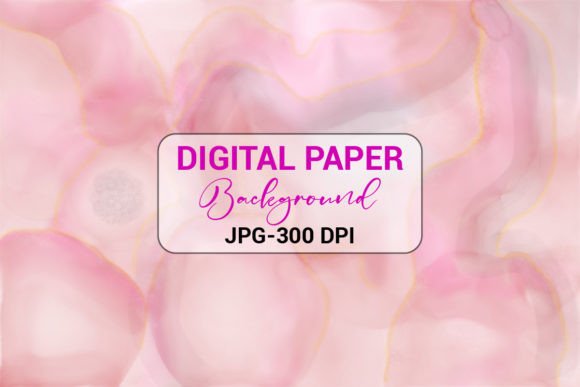
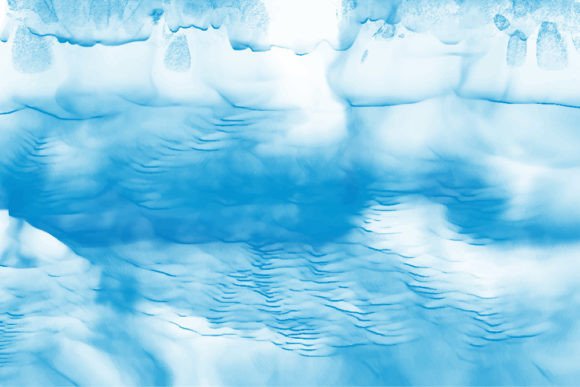
Visual appeal is often the first thing a viewer notices, whether they are scrolling through social media, browsing an online store, or picking up a physical book. A Liquid Watercolor Marble Background offers a sophisticated yet organic aesthetic that captures attention without overwhelming the content it supports. This design style mimics the natural flow of pigments in water, creating unique swirls, soft gradients, and rich textures that feel both artistic and modern. For creators, entrepreneurs, and hobbyists alike, understanding how to leverage this versatile asset can significantly elevate the quality of digital and print projects.
Understanding the Aesthetic Appeal
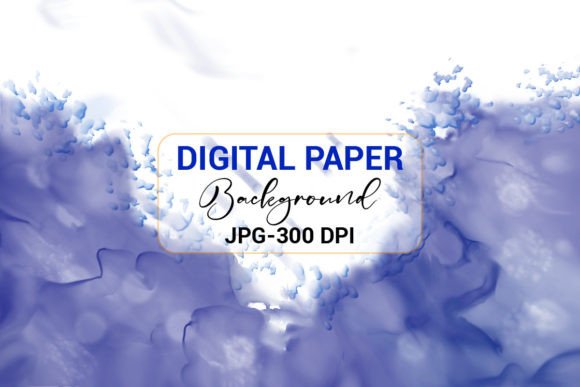
The charm of liquid watercolor lies in its unpredictability and fluidity. Unlike rigid geometric patterns, marble effects created with watercolor techniques offer a sense of movement and depth. The colors blend seamlessly, often featuring translucent layers that give the impression of luxury and creativity. This makes the Liquid Watercolor Marble Background an excellent choice for brands or individuals who want to convey elegance, calmness, or artistic flair.
When you incorporate these backgrounds into your work, you are not just adding color; you are adding texture and mood. The soft edges and vibrant hues can evoke emotions ranging from tranquility to excitement, depending on the color palette used. This emotional connection is vital in marketing and design, as it helps establish a stronger bond with your audience.
Versatile Applications for Creators
One of the greatest strengths of this type of background is its adaptability. It serves as a perfect canvas for various mediums, ensuring your designs stand out in crowded marketplaces. Here are some practical ways to utilize these assets:
- Book Covers: For authors publishing via Kindle Direct Publishing (KDP) or traditional routes, a striking cover is essential. A watercolor marble background provides a professional look that appeals to readers of fiction, self-help, and journals.
- Social Media Posts: In feeds dominated by static images, a textured background can make your quotes, announcements, or product photos pop. It adds depth without distracting from the text overlay.
- Web Backgrounds: Use subtle marble textures behind website headers or call-to-action sections to add visual interest while maintaining readability.
- Stickers and Mobile Covers: The high-resolution nature of these files ensures that when printed on smaller items like phone cases or vinyl stickers, the details remain crisp and vibrant.
- Printable Interiors: Designers creating planners, notebooks, or worksheets can use these backgrounds to create visually appealing interior pages that enhance the user experience.
Technical Features and File Formats
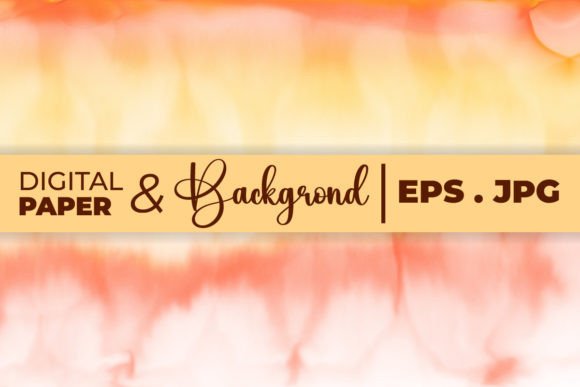
To ensure maximum usability across different platforms and skill levels, a high-quality Liquid Watercolor Marble Background package typically includes multiple file formats. Understanding these formats helps you choose the right tool for your project.
High-Resolution JPEG Files
The inclusion of a 300 DPI JPG file is crucial for print-ready projects. DPI, or dots per inch, refers to the resolution of the image. At 300 DPI, the image is sharp enough for professional printing, ensuring that no pixelation occurs even when scaled appropriately. This file format is universally compatible, meaning you can easily import it into everyday applications such as:
- Canva
- Microsoft Word
- Microsoft PowerPoint
- Other similar graphic design or office applications
This accessibility makes it ideal for beginners or those who need quick, efficient solutions without learning complex software. You can drag and drop the image into your document, adjust transparency if needed, and place your text over it.
Editable Vector EPS Files
For professionals or those willing to dive deeper into customization, the Illustrator EPS CC file offers unparalleled flexibility. Vector files are based on mathematical paths rather than pixels, allowing you to scale the image to any size without losing quality. More importantly, you can edit individual elements within Adobe Illustrator. This means you can change colors to match your brand identity, adjust the intensity of the marble swirls, or isolate specific parts of the design. Having both raster (JPG) and vector (EPS) options in a ZIP archive ensures that the asset grows with your skills and needs.
Why Choose This Design Style?
In a digital world saturated with flat colors and stock photography, organic textures provide a refreshing alternative. A Liquid Watercolor Marble Background solves several common design problems. First, it eliminates the "blank page" syndrome by providing a structured yet creative starting point. Second, it adds perceived value to your products. A journal with a custom marble cover looks more premium than one with a plain solid color. Third, it saves time. Creating authentic watercolor effects from scratch requires skill, materials, and time. Using pre-made, high-quality assets allows you to focus on content creation and marketing rather than spending hours painting and scanning.
Practical Tips for Best Results
While these backgrounds are user-friendly, keeping a few considerations in mind will help you achieve the best results. When using the JPEG file for web purposes, ensure that the text contrast is sufficient. If the background is dark, use light-colored fonts, and vice versa. For print projects like KDP interiors or T-shirts, always verify the color profile. While 300 DPI is standard for print, checking your printer’s specific requirements can prevent unexpected color shifts.
If you are editing the EPS file in Adobe Illustrator, take advantage of the layering capabilities. You can separate the background texture from any foreground elements, giving you complete control over the composition. This is particularly useful for creating cohesive brand kits where consistency is key.
Thanks for downloading my design. Please visit my profile for more Background designs, KDP interiors, T-shirts, Brushes, and illustrations. By exploring a variety of assets, you can build a diverse library of resources that streamline your creative workflow and enhance your professional output. Whether you are a freelancer looking to impress clients or a hobbyist creating gifts for friends, the right background can transform a simple idea into a polished masterpiece.